As organizations evaluate operational costs, software usability, and cloud infrastructure, many are considering migrating their productivity suites. Transitioning from one cloud ecosystem to another requires planning, data security protocols, and technical alignment.
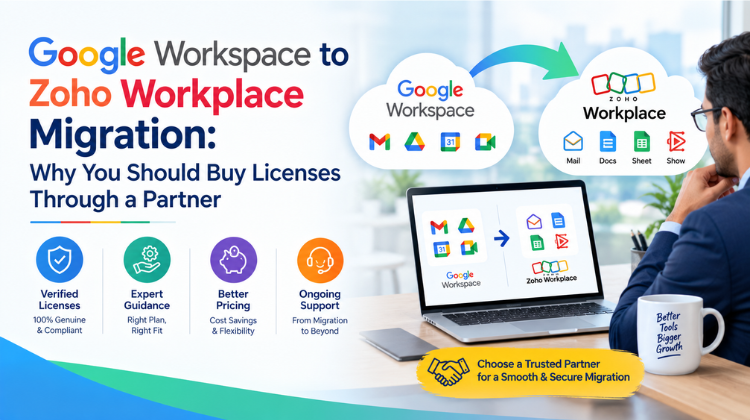
Executing a Google Workspace to Zoho Workplace Migration offers companies an opportunity to optimize IT budgets while accessing robust collaboration tools. However, purchasing licenses directly online without expert guidance often leads to unexpected downtime and data mapping errors. Partnering with a certified reseller simplifies license procurement, technical implementation, and ongoing post-migration support.
Understanding Google Workspace to Zoho Workplace Migration
A Google Workspace to Zoho Workplace Migration involves moving an organization’s core communication and storage infrastructure—including Gmail, Google Drive, Google Calendar, and Google Contacts—over to Zoho’s integrated suite (Zoho Mail, WorkDrive, Zoho Docs, and Calendar).
While both platforms provide similar web-based productivity apps, their underlying data structures, user permission roles, and API thresholds differ significantly.
Strategic Drivers for Migration
Cost Optimization: Zoho Workplace offers predictable, tier-based pricing models that often deliver significant savings for growing enterprises.
Unified Application Ecosystem: Zoho Workplace integrates natively with Zoho CRM, Zoho Projects, and Zoho Books, creating a single operational environment.
Data Sovereignty & Privacy: Organizations seeking strict administrative controls and customizable data retention policies benefit from Zoho’s administrative controls.
Key Technical Challenges in Google Workspace to Zoho Workplace Migration
Transitioning enterprise communication suites carries technical risks if managed without structured oversight. A successful Google Workspace to Zoho Workplace Migration must account for several potential bottlenecks:
Data Throttling and API Rate Limits: Google Workspace limits bulk data exports over IMAP and API channels. Unmonitored data transfers can trigger automatic IP blocks, stalling the migration.
Folder Structure and Metadata Retention: Google Drive utilizes a label-based file structure rather than traditional directory paths. Mapping these files into Zoho WorkDrive requires schema translation to prevent broken links or missing files.
DNS & Mail Routing Interruptions: Incorrectly updating MX, SPF, DKIM, and DMARC records during DNS propagation can cause incoming emails to bounce or land in spam folders.
Calendar Recurrence and Contact Mapping: Recurring events, attendee lists, and multi-field vCards frequently lose formatting if translated incorrectly between vendor formats.
Why Buy Licenses Through a Partner for Your Google Workspace to Zoho Workplace Migration?
Many organizations assume buying software directly from a vendor’s website is the most straightforward route. However, acquiring licenses through an authorized partner transforms a simple transaction into a fully supported migration project.
1. Cost Savings and Customized Licensing Models
Partners receive preferred partner pricing and volume license allocations. During a Google Workspace to Zoho Workplace Migration, a partner audits your active user seats, storage consumption, and inactive accounts, matching your workforce to hybrid license tiers so you only pay for what you need.
2. End-to-End Technical Execution
Procuring licenses through a partner grants access to certified deployment engineers. Instead of relying on internal IT teams to navigate self-serve documentation, a partner handles pre-migration audits, trial batches, cutover scheduling, and final delta syncs.
3. Localized Invoicing and Compliance
Purchasing licenses through a regional partner simplifies tax compliance, multi-currency accounting, and corporate billing requirements by providing localized invoicing options.
4. Post-Migration Support and User Adoption
Adopting a new interface can reduce employee productivity during early weeks. Partners offer specialized end-user training, administrator onboarding, and direct helpdesk escalation to minimize post-migration support tickets.
Step-by-Step Google Workspace to Zoho Workplace Migration Roadmap
A structured methodology ensures minimal downtime and preserves data integrity throughout a Google Workspace to Zoho Workplace Migration.
Phase 1: Pre-Migration Discovery & Audit
Evaluate user mailboxes, shared drives, active domain aliases, and third-party app integrations.
Clean up redundant files, archive inactive mailboxes, and standardize user naming conventions.
Verify administrator credentials across both source and target environments.
Phase 2: Domain Provisioning & Security Setup
Create and configure the target Zoho Workplace organization account.
Set up administrative roles, security policies, multi-factor authentication (MFA), and single sign-on (SSO) protocols.
Pre-stage SPF, DKIM, and DMARC parameters to protect domain reputation.
Phase 3: Pilot Migration Testing
Select a representative sample group (5–10% of users) across different departments.
Execute a complete test run involving email archives, folder structures, contacts, and calendar events.
Validate data parity, check folder hierarchies, and collect user feedback on interface responsiveness.
Phase 4: Bulk Data Staging
Initiate primary background data migration using server-to-server migration utilities.
Transfer bulk historical emails, archived documents, and static drive contents while users continue working in Google Workspace.
Phase 5: Final Cutover and Delta Synchronization
Schedule final switchover during off-peak operational hours.
Update DNS MX records to point incoming mail flow to Zoho servers.
Run delta synchronization scripts to migrate emails and documents created during the bulk transfer phase.
Conduct post-cutover verification tests to confirm message deliverability and folder completeness.
Comparing Options During Google Workspace to Zoho Workplace Migration
Understanding operational differences helps set expectations for IT teams and end users:
| Feature Category | Google Workspace Environment | Zoho Workplace Target Environment | Migration Consideration |
| Email Interface | Gmail (Threaded conversation view, Label system) | Zoho Mail (Folder-centric, Streams collaboration) | Users transition from labels to traditional/smart folders |
| Cloud Storage | Google Drive (Personal & Shared Drives) | Zoho WorkDrive (Team Folders & Personal Workspaces) | Requires mapping permissions and access rights |
| Office Suite | Docs, Sheets, Slides | Writer, Sheet, Show | Complete file format conversion with style fidelity checks |
| Internal Chat | Google Chat / Spaces | Zoho Cliq (Channels, Bots, Integrations) | Requires setting up team channels and communication channels |
| Meeting Platform | Google Meet | Zoho Meeting | Calendar invite links must be updated for future events |
Best Practices for a Seamless Google Workspace to Zoho Workplace Migration
Implementing these best practices reduces administrative friction during your Google Workspace to Zoho Workplace Migration:
Communicate Early and Clearly: Provide employees with migration timelines, cutover expectations, and quick-reference guides for Zoho Workplace web and mobile applications.
Audit Third-Party OAuth Access: Document all external services using “Sign in with Google” so your IT team can update authentication protocols prior to cutover.
Maintain Coexistence Mechanisms: For large enterprise teams, set up dual delivery routing during phased migrations so migrated users can communicate seamlessly with remaining Google Workspace users.
Establish Data Retention Policies: Define backup protocols and archive settings in Zoho Mail to satisfy industry compliance regulations (e.g., ISO, GDPR, HIPAA) before going live.
#Google Workspace To Zoho Workplace Migration #Zoho Workplace Reseller #Zoho Partner Gurgaon #Amyntas Media Services #Cloud Migration Specialist #Zoho Mail Migration #Google Drive To Work Drive #Email Migration Services #Enterprise IT Consulting #Zoho Workplace Licensing #Cloud Data Migration #Workspace Migration Strategy #Office Suite Migration #Zoho Deployment Partner #Data Security In Migration #Small Business IT Services #SaaS Procurement #Software Reseller India #Zoho Workplace Pricing #IMAP Mail Migration #DNS Record Configuration #Corporate Email Migration #Zoho Cliq Setup #Zoho Writer Switch #IT Infrastructure Migration #Cloud Storage Transfer #Zero Down time Migration #B2B IT Consultancy #Zoho Workplace Onboarding #SaaS Migration Guide
FAQ
Q1: What is involved in a Google Workspace to Zoho Workplace Migration?
Answer:
A Google Workspace to Zoho Workplace Migration involves systematically transferring user mailboxes, custom domain configurations, cloud files, calendars, and contacts from Google’s suite to Zoho Workplace. The process requires DNS reconfiguration (MX, SPF, DKIM), user provisioning, data mapping between formats, and testing to ensure complete data integrity without email delivery interruptions.
Q2: Why should an organization choose Amyntas Media Services in Gurgaon for their migration?
Answer:
Amyntas Media Services in Gurgaon provides specialized IT consultancy, software reseller support, and cloud migration services. By working with a regional deployment partner, businesses receive dedicated technical oversight, tailored license structures, hands-on administrative setup, and localized customer support, eliminating the risks associated with unassisted self-migrations.
Q3: How does buying Zoho Workplace licenses through a partner differ from direct online purchases?
Answer:
Purchasing licenses through an authorized partner like Amyntas Media Services provides direct financial and operational benefits. Partners offer customized license tiering, flexible billing terms, pre-migration data audits, and dedicated technical deployment teams, whereas direct online purchases provide only basic software access without hands-on migration assistance.
Q4: How long does a typical Google Workspace to Zoho Workplace Migration take?
Answer:
Migration timelines vary based on total user headcount, overall mailbox sizes, and cloud storage volumes. Small to mid-sized setups (10–50 users) generally take 3 to 5 business days, while enterprise environments with terabytes of data may take 2 to 3 weeks using phased background transfers and off-peak cutovers.
Q5: Will email services be interrupted during a Google Workspace to Zoho Workplace Migration?
Answer:
When executed by an experienced migration partner, email downtime is practically zero. Partners stage historical data transfers in the background while users remain active on Google Workspace. Final cutovers are scheduled during off-peak hours by updating DNS records, ensuring zero message loss and seamless switchovers.
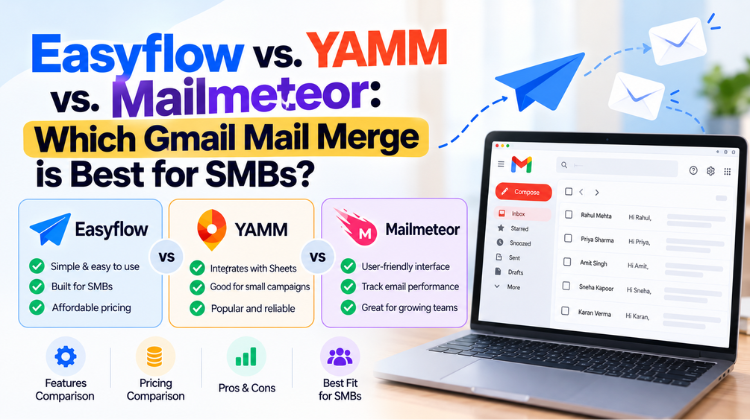 Easyflow vs. YAMM vs. Mailmeteor: Which Gmail Mail Merge is Best for SMBs?
 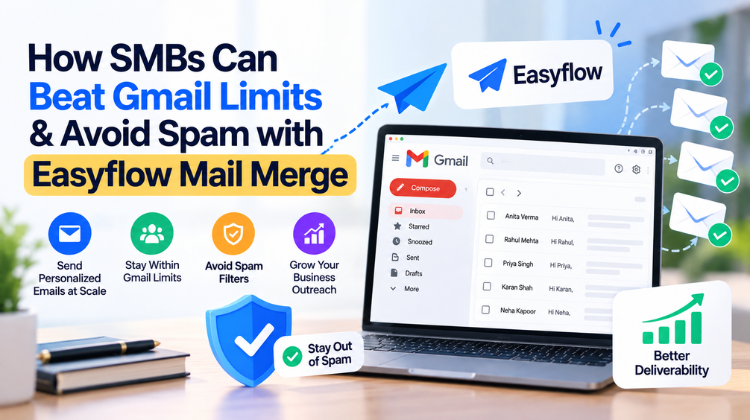 How SMBs Can Beat Gmail Limits & Avoid Spam with Easyflow Mail Merge
 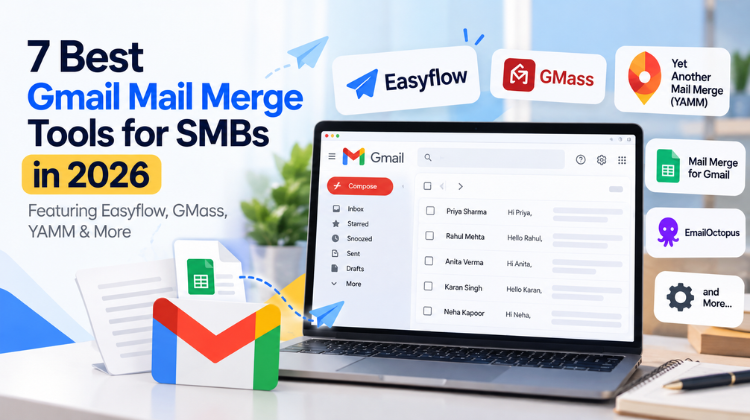 7 Best Gmail Mail Merge Tools for SMBs in 2026 (Featuring Easyflow, GMass, YAMM & More)
  What Is the Safest Way to Buy a Zoho Workplace License Through a Partner?
  How to Seamlessly Migrate Business Email to Zoho Workplace via an Authorized Partner in 2026