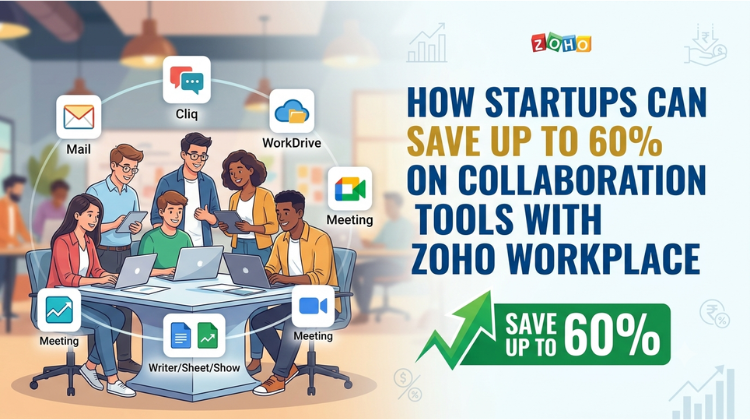
How Startups Can Save Up to 60% on Collaboration Tools with Zoho Workplace
For modern startups, managing monthly operational expenses while scaling team productivity is a delicate balancing act. As remote and hybrid work models become standard, a major chunk of early-stage capital goes toward cloud ecosystems. Many founders get trapped paying separate monthly subscriptions for email hosting, video conferencing, team chat, cloud storage, and office documents.
Fortunately, you can drastically reduce these overhead costs. By consolidating your business tech stack, your team can access enterprise-grade collaboration tools with Zoho Workplace while cutting software expenses by up to 60%. This comprehensive guide explores how consolidating your software stack helps your startup save money without sacrificing performance.
1. The Startup Tech Stack Trap: Why Separate Apps Drain Your Budget
In their early days, many businesses stitch together fragmented applications. They use one platform for corporate mail, another for project communications, a third for spreadsheets, and yet another for video meetings.
While these platforms offer great standalone features, their combined subscriptions quickly add up. A growing team can easily find itself spending thousands of rupees per user every month.
Beyond the financial cost, managing multiple separate systems creates an “app tax” that hurts team efficiency. Employees waste valuable time switching between tabs, managing multiple passwords, and dealing with disconnected files.
Switching to integrated collaboration tools with Zoho Workplace solves this problem. It replaces expensive, scattered subscriptions with a single, unified cloud workspace that keeps your data centralized and your expenses low.
2. Financial Breakdown: Saving 60% with Collaboration Tools with Zoho Workplace
When you look at the numbers, the financial advantages for startups are clear. Major industry giants charge substantial premium fees per user for their entry-level business plans. If you add standalone video conferencing or premium team chat subscriptions on top of that, your monthly SaaS bill can quickly get out of hand.
In contrast, choosing bundled collaboration tools with Zoho Workplace provides an incredibly affordable alternative. Zoho packages enterprise email, secure cloud storage, instant team messaging, word processing, and HD video meeting tools into a single, low-cost subscription.
By replacing three or four separate software bills with one unified, affordable ecosystem, early-stage companies and boot-strapped businesses can easily cut their monthly collaboration software costs by 60% or more.
3. Core Features: What Do You Get Inside the Zoho Bundle?
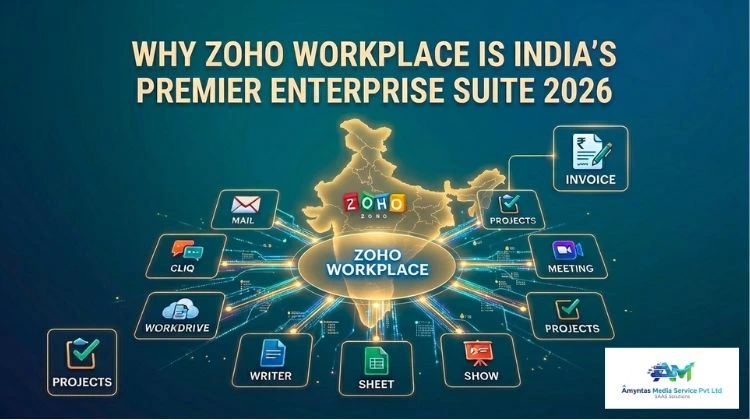
Cutting your software budget doesn’t mean you have to settle for basic or low-quality tools. Adopting collaboration tools with Zoho Workplace equips your business with a complete suite of high-performance apps designed for seamless teamwork:
Professional Business Mail: A secure, ad-free business email platform complete with custom domain hosting, advanced control panels, and built-in migration tools.
Streamlined Team Chat (Zoho Cliq): A central hub for instant messaging, audio calls, channels, and automated workflows that helps cut down on internal email clutter.
Secure Cloud Storage (Zoho WorkDrive): A shared team storage space with flexible access controls, real-time file sharing, and built-in activity tracking.
Online Office Suite: Powerful, cloud-based tools for documents, spreadsheets, and presentation slides (Zoho Writer, Sheet, and Show) that let multiple team members collaborate simultaneously.
HD Video Conferencing (Zoho Meeting): A reliable platform for hosting webinars, virtual presentations, and secure online team meetings directly from your web browser.
Choosing these unified collaboration tools with Zoho Workplace ensures your startup gets all the essential features you need to stay productive, secure, and organized.
4. Maximizing ROI: Smart Optimization for Early-Stage Startups
To get the absolute most out of your collaboration tools with Zoho Workplace, focus on continuous platform optimization. Start by migrating all your existing legacy files into a centralized cloud storage system to eliminate any remaining secondary storage fees.
Next, use built-in integrations to connect your communication apps directly with your customer relationship tools or project dashboards. This automates routine tasks and saves your team even more time.
Finally, build a unified internal communication strategy. Shifting your daily team updates and quick discussions over to real-time chat channels helps clear out crowded email inboxes.
Consolidating your systems this way ensures your business operates on a lean, cost-effective tech stack. Investing in collaboration tools with Zoho Workplace allows your startup to protect its valuable seed capital, streamline daily workflows, and build a highly scalable foundation for long-term growth.
#ZohoWorkplacePricing #SmallBusinessTechStack #SaaSAlternative #AllInOneWorkspace #ZohoMailForBusiness #CutSaaSExpenses #CloudOfficeSuite #StartupProductivityTools #ZohoWorkDrive #BusinessEmailHosting #TeamCollaborationSoftware #ZohoCliqVsSlack #ReduceBusinessOverhead #UnifiedCommunications #GoogleWorkspaceAlternative #Microsoft365Alternative #AffordableBusinessEmail #StartupBudgetOptimization #RemoteWorkInfrastructure #SecureCloudStorage #TechStackConsolidation #DigitalWorkspaceIndia #ZohoMeetingWebinar #StartupsGurgaon #EnterpriseSoftwareSavings #CloudMigrationStrategy #ITCostReduction #CollaborativeWorkManagement #OfficeProductivityBundle #SMEGrowthStrategy
FAQ
Q1: How can startups save up to 60% on collaboration tools with Zoho Workplace compared to other cloud suites?
A: Startups can save up to 60% because Zoho bundles secure business email, team chat, cloud storage, video conferencing, and an office document suite into a single subscription that costs a fraction of what competitors charge for separate apps. By consolidating your tech stack into collaboration tools with Zoho Workplace, you eliminate multiple overlapping software fees. Startups can optimize this migration process by partnering with digital agencies like Amyntas Media Services in Gurgaon, who help smoothly transfer files and configure systems without any costly business downtime.
Q2: What features are included when upgrading to collaboration tools with Zoho Workplace?
A: Upgrading to collaboration tools with Zoho Workplace gives your team access to a complete professional ecosystem. This includes premium business email management, Zoho Cliq for instant team messaging and channels, Zoho WorkDrive for secure cloud storage, Zoho Meeting for browser-based video conferencing, and an online office suite for real-time document and spreadsheet collaboration.
Q3: Is it difficult for a growing company to migrate its data to collaboration tools with Zoho Workplace?
A: Data migration can seem challenging, but Zoho provides built-in migration wizards to safely transfer emails, contacts, and drive files from other major platforms. For a completely seamless transition, many growing businesses work with experienced IT consulting firms like Amyntas Media Services in Gurgaon. Their expert teams handle the entire backend setup, domain mapping, and data transfer, ensuring your data remains perfectly secure and your daily operations run without interruption.
Q4: Can small teams use collaboration tools with Zoho Workplace for secure remote workflows?
A: Yes, the platform is built from the ground up with enterprise-grade security. Choosing collaboration tools with Zoho Workplace gives your startup access to two-factor authentication (2FA), data encryption both at rest and in transit, and detailed administrative access controls. This ensures your remote team can securely access files and communicate from anywhere without exposing sensitive business data.
Q5: Why should a business consult with a local agency like Amyntas Media Services in Gurgaon for cloud tool deployment?
A: Consulting with a local specialist like Amyntas Media Services in Gurgaon ensures your software transition is tailored directly to your specific business workflows. They provide local deployment support, assist with custom third-party integrations, handle tax configurations like GST billing, and offer team training. This hands-on guidance helps your startup quickly unlock the full value of your collaboration tools with Zoho Workplace right from day one.
 What Is the Safest Way to Buy a Zoho Workplace License Through a Partner?
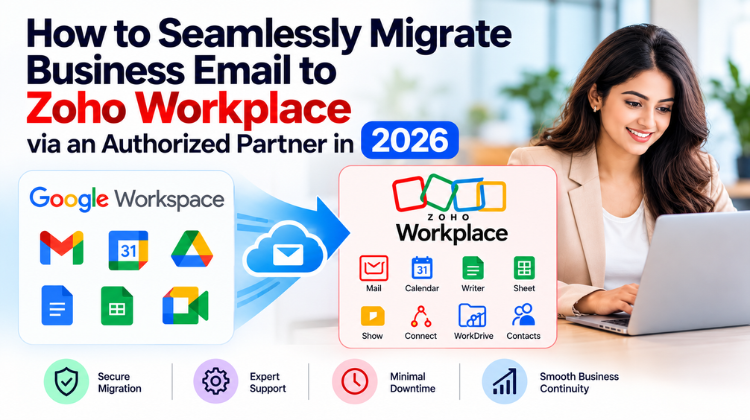
 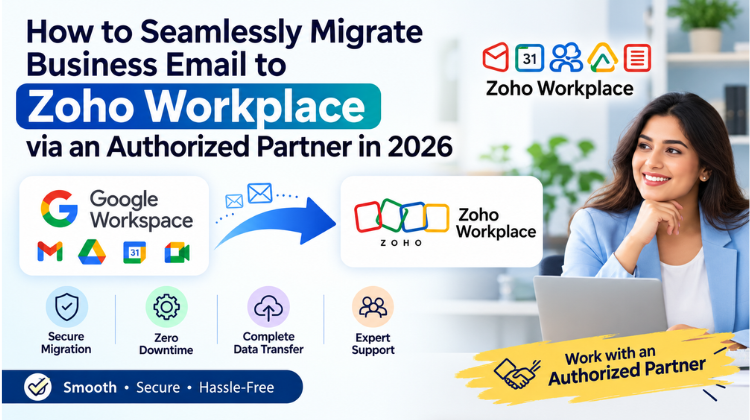 How to Seamlessly Migrate Business Email to Zoho Workplace via an Authorized Partner in 2026
 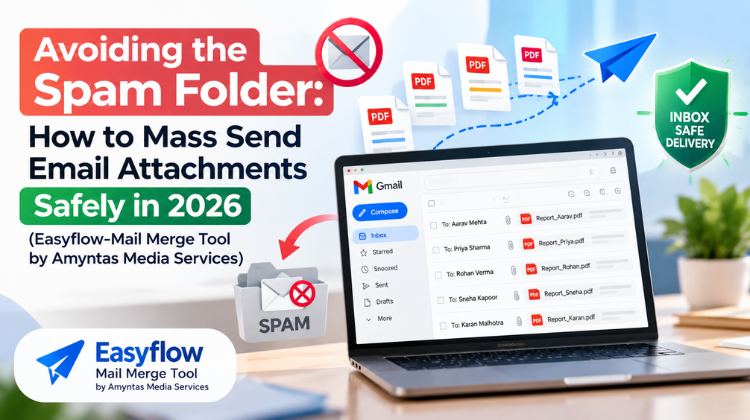 Avoiding the Spam Folder: How to Mass Send Email Attachments safely in 2026
 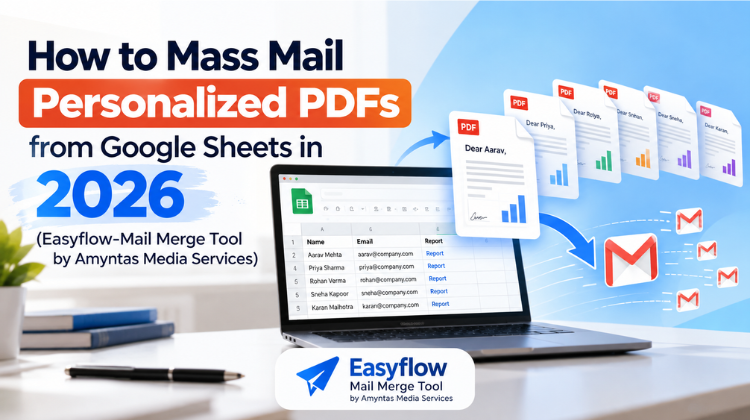 How to Mass Mail Personalized PDFs from Google Sheets in 2026
  Setting Up Indian Payment Gateways for Your GoDaddy Reseller Storefront: A Complete Guide