Email outreach remains the primary channel for customer acquisition, sales follow-ups, invoicing, and corporate communications for Small and Medium-sized Businesses (SMBs). However, launching email campaigns using traditional bulk mailing tools often creates operational bottlenecks. SMBs frequently face Google Workspace daily sending quotas, sudden bounce spikes, and strict anti-spam filters that push critical business communications out of primary inboxes.
To safeguard sender reputation and scale outreach, SMBs must adopt modern email delivery strategies. Using smart extensions allows businesses to hit high deliverability rates without expensive enterprise CRM platforms. This guide explains how to navigate Google Workspace sending thresholds, implement essential email security protocols, and avoid spam with Easyflow Mail Merge by Amyntas Media Services to keep your outreach secure, reliable, and out of the spam folder.
Understanding Google Workspace Sending Quotas and Anti-Spam Algorithms
Google enforces strict limits on email distribution to preserve network security and protect users from phishing or unrequested bulk messages.
When an SMB exceeds these quotas or triggers automated spam filters, Google may apply temp-block restrictions lasting up to 24 hours. Repeating these violations can result in account suspensions or permanent domain blacklisting across major Internet Service Providers (ISPs).
Common Factors That Trigger Spam Filters
Identical Message Content: Sending hundreds of identical email strings without variable tags alerts automated spam filters.
Instantaneous Burst Distribution: Dispatching hundreds of messages simultaneously reveals automated script activity rather than natural human messaging.
Missing Security Authentication: Operating emails without properly published SPF, DKIM, and DMARC records causes receiving servers to flag incoming mail as suspicious.
Unverified Recipient Lists: High bounce rates (exceeding 3-5%) signal bad list hygiene, causing spam filters to restrict sending domains.
Irrelevant Spam Trigger Keywords: Using hyper-promotional terms in subject lines or body copy lowers deliverability scores.
Core Strategies to Avoid Spam with Easyflow Mail Merge
The primary goal for any SMB running outreach campaigns is ensuring every message lands in the primary inbox. You can easily avoid spam with Easyflow Mail Merge by Amyntas Media Services by utilizing its built-in deliverability architecture designed specifically for Google Workspace.
1. Human-Like Intelligent Email Throttling
Unlike legacy mass-mailing software that pushes emails out all at once, Easyflow Mail Merge employs dynamic sending intervals. By staggering email dispatches automatically, the add-on mimics human typing and sending behaviors. This controlled pace keeps campaigns fully compliant with Google limits while bypassing automated spam detection algorithms.
2. Deep Personalization Beyond Basic Names
Automated algorithms evaluate how unique each outbound email is relative to others sent from the same IP address. When you avoid spam with Easyflow Mail Merge, you can leverage its advanced variable placeholders ({{First Name}}, {{Company}}, {{Custom Invoice}}, {{Specific Proposal}}) across subject lines, body copy, and customized attachments. This high level of variability ensures each message appears unique to receiving mail servers.
3. Dynamic PDF Document Generation
Attaching generic, identical attachments to mass emails frequently triggers security flags. Easyflow Mail Merge addresses this issue by generating unique PDF, DOCX, or Google Docs files dynamically for each recipient using data stored in Google Sheets. Whether distributing customized invoices, contracts, or tailored job offers, the software builds and attaches unique files on the fly, eliminating the deliverability risks of static bulk attachments.
4. Direct Mail Delivery via Native Gmail Accounts
Sending bulk emails through external SMTP servers or unverified third-party platforms often triggers sender domain mismatches. Easyflow Mail Merge works directly within your Google Workspace environment. Because emails leave directly through your native Gmail server infrastructure, receiving mail servers verify your domain natively, helping your business avoid spam with Easyflow Mail Merge.
Technical Domain Configuration: Establishing SPF, DKIM, and DMARC
Software tools rely on underlying DNS security configurations to ensure optimal deliverability. To fully protect your domain reputation and avoid spam with Easyflow Mail Merge, ensure your IT team configures these three core authentication frameworks:
1. Sender Policy Framework (SPF)
SPF is a public DNS TXT record that lists all authorized IP addresses and servers allowed to send emails on behalf of your domain.
2. DomainKeys Identified Mail (DKIM)
DKIM adds a cryptographically secure digital signature to every outgoing message header.
3. Domain-based Message Authentication, Reporting, and Conformance (DMARC)
DMARC builds upon your active SPF and DKIM configurations. It tells receiving servers how to handle incoming emails that fail authentication checks (e.g., p=none, p=quarantine, or p=reject).
Step-by-Step Guide: Launching Mail Merges while Avoiding Spam
Follow this step-by-step workflow to run high-volume campaigns and avoid spam with Easyflow Mail Merge:
Step 1: Clean Your Recipient Data List
Before loading contacts into Google Sheets, scrub your database to remove invalid, inactive, or unverified email addresses. Eliminating dead addresses keeps bounce rates below 2% and protects domain health.
Step 2: Prepare Your Google Sheets and Draft Templates
Organize your contact list in Google Sheets with distinct column headers (First Name, Email Address, Company, Account Status). Write your draft inside Gmail or Google Docs, placing double curly braces around variable tags (e.g., {{First Name}}).
Step 3: Configure Easyflow Mail Merge Settings
Open your Google Sheet, navigate to Extensions › Easyflow Mail Merge, and open the setup panel. Map your spreadsheet columns to your template variable tags.
Step 4: Enable Delivery Delay & PDF Generation Features
To avoid spam with Easyflow Mail Merge, enable intelligent delivery delays to stagger outgoing dispatches. If sending documents like proposals or invoices, select your Google Docs master template to auto-generate customized PDF attachments on the fly.
Step 5: Send a Test Run and Monitor Performance
Run a sample merge to your internal team accounts to verify formatting, placeholder rendering, and attachment generation. Once verified, start your campaign. Monitor campaign status directly inside your Google Sheet as Easyflow updates delivery, open, and response logs in real time.
Deliverability Feature Matrix: Easyflow vs. Legacy Mail Merge Tools
Why Choose Amyntas Media Services in Gurgaon for Google Workspace & Email Success
Deploying tools like Easyflow Mail Merge is most effective when paired with expert domain management and cloud security. Headquartered in Gurgaon, Amyntas Media Services provides end-to-end cloud consulting, email migration, and digital infrastructure management for growing businesses.
Strategic Services Offered by Amyntas Media Services:
DNS Security & Deliverability Audits: Configure SPF, DKIM, and DMARC settings to help your business avoid spam with Easyflow Mail Merge and maintain clean domain health.
Zero-Downtime Email Migrations: Move seamlessly from legacy email hostings or basic servers to Google Workspace without missing client communications.
Custom Software Integration: Build specialized business extensions, data connectors, and workflow utilities tailored to your operational goals.
Dedicated Local Technical Support: Get fast technical help from cloud infrastructure specialists based in Gurgaon.
Best Practices Checklist: Maintain Inbox Delivery for Growing SMBs
To keep engagement metrics high and avoid email delivery disruptions:
Verify Your Contacts: Regularly audit email lists to keep hard bounce rates near zero.
Use Natural Email Pacing: Avoid instantaneous mass sends; leverage natural throttled dispatches to avoid spam with Easyflow Mail Merge.
Draft High-Value Copy: Provide real value in every campaign, write compelling copy, and include clear opt-out instructions.
Monitor Real-Time Reports: Review open, click, and bounce rates directly within your Google Sheet after every campaign.
- Work with Cloud Experts: Partner with Amyntas Media Services in Gurgaon to audit domain security, maintain DNS authentication, and optimize Google Workspace setups.
Also Read: 7 Best Gmail Mail Merge Tools for SMBs in 2026 (Featuring Easyflow, GMass, YAMM & More)
#avoid spam with easyflow mail merge #how smbs beat gmail limits #best gmail mail merge software for smb #amyntas media services gurgaon #google workspace email deliverability #spf dkim dmarc configuration gurgaon #prevent gmail landing in spam #easyflow mail merge deliverability #google sheets mail merge add on #b2b email deliverability best practices #bulk email sender for gmail #google workspace daily sending limits #custom pdf document generator google docs #dynamic email attachments mail merge #email throttling tool google sheets #gmail cold outreach software #email bounce rate reduction #amyntas media works google workspace reseller #google cloud partner gurgaon #zero downtime email migration gurgaon #personalized email outreach tool #google docs to pdf mail merge #small business bulk email strategy #gmail sender reputation protection #primary inbox deliverability software #easy mail merge status tracking #avoid email spam filters smb #google workspace dns security setup #google sheets mail merge extension #automated email follow ups google sheets
FAQ
Q1: How does an SMB avoid spam with Easyflow Mail Merge when sending bulk outreach campaigns?
Answer: An SMB can avoid spam with Easyflow Mail Merge by utilizing its built-in delivery features, including intelligent sending intervals, deep personalization tags, and direct Gmail account routing. Easyflow staggers email delivery to mimic natural human activity, helping outreach comply with Google limits while ensuring messages reach the primary inbox rather than spam folders. How SMBs Can Beat Gmail Limits & Avoid Spam with Easyflow Mail Merge
Q2: What are the daily sending limits for Google Workspace accounts when performing a mail merge?
Answer: Standard free Gmail accounts have a daily sending limit of 500 emails per 24-hour rolling period, whereas paid Google Workspace accounts allow up to 2,000 emails per day. Exceeding these thresholds can trigger temporary sending blocks or account reviews. Using tools like Easyflow Mail Merge helps businesses manage dispatches responsibly within these limits. How SMBs Can Beat Gmail Limits & Avoid Spam with Easyflow Mail Merge
Q3: Why should a business in Gurgaon partner with Amyntas Media Services for Google Workspace mail merge optimization?
Answer: Amyntas Media Services in Gurgaon is a certified Google Workspace Premier Reseller and cloud consultancy. Beyond developing Easyflow Mail Merge, Amyntas offers hands-on support for DNS security setups (SPF, DKIM, DMARC), email deliverability audits, zero-downtime cloud migrations, and custom software integrations tailored to business needs. How SMBs Can Beat Gmail Limits & Avoid Spam with Easyflow Mail Merge
Q4: How does dynamic PDF generation in Easyflow Mail Merge improve email deliverability?
Answer: Sending static bulk attachments to many recipients often triggers anti-spam filters. Easyflow Mail Merge connects Google Docs templates with Google Sheet data to build unique, customized PDF attachments (like personalized proposals or invoices) for each recipient automatically. Customizing both body copy and attachments helps your outreach avoid spam with Easyflow Mail Merge. How SMBs Can Beat Gmail Limits & Avoid Spam with Easyflow Mail Merge
Q5: What is the difference between legacy mass-email software and using Easyflow Mail Merge inside Google Workspace?
Answer: Traditional bulk email platforms route messages through shared third-party SMTP servers, which can expose your campaigns to the bad sending reputations of other users. Easyflow Mail Merge executes natively inside your Google Workspace environment, utilizing your verified business Gmail account to ensure higher domain trust and superior primary inbox delivery rates. How SMBs Can Beat Gmail Limits & Avoid Spam with Easyflow Mail Merge
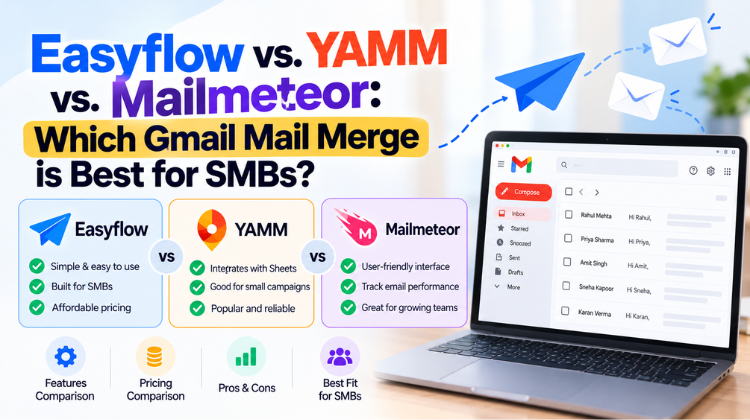 Easyflow vs. YAMM vs. Mailmeteor: Which Gmail Mail Merge is Best for SMBs?
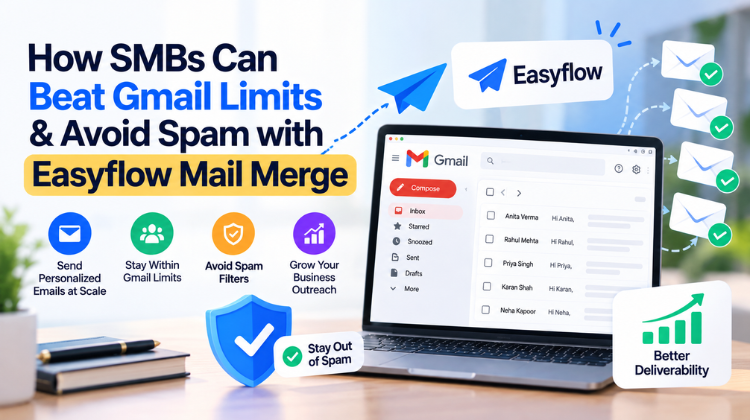 How SMBs Can Beat Gmail Limits & Avoid Spam with Easyflow Mail Merge
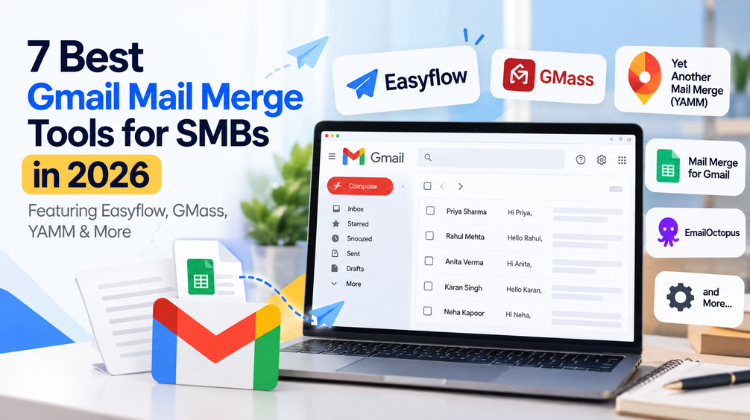 7 Best Gmail Mail Merge Tools for SMBs in 2026 (Featuring Easyflow, GMass, YAMM & More)
 What Is the Safest Way to Buy a Zoho Workplace License Through a Partner?
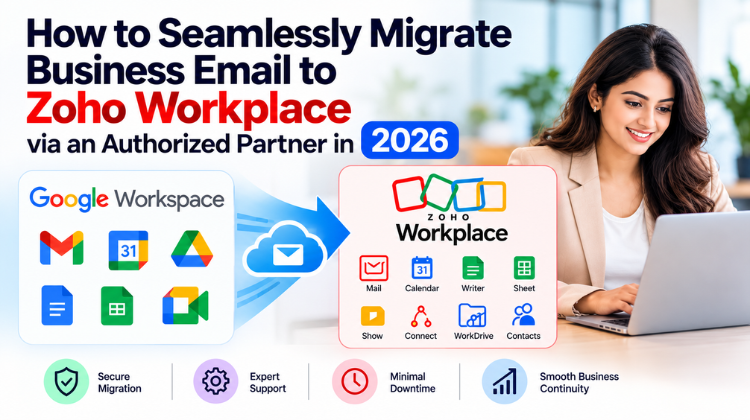
 How to Seamlessly Migrate Business Email to Zoho Workplace via an Authorized Partner in 2026